Chat with your personas on Discord
- 1.Connect your Discord account:Link your Discord account to enable voice chat with your personas.
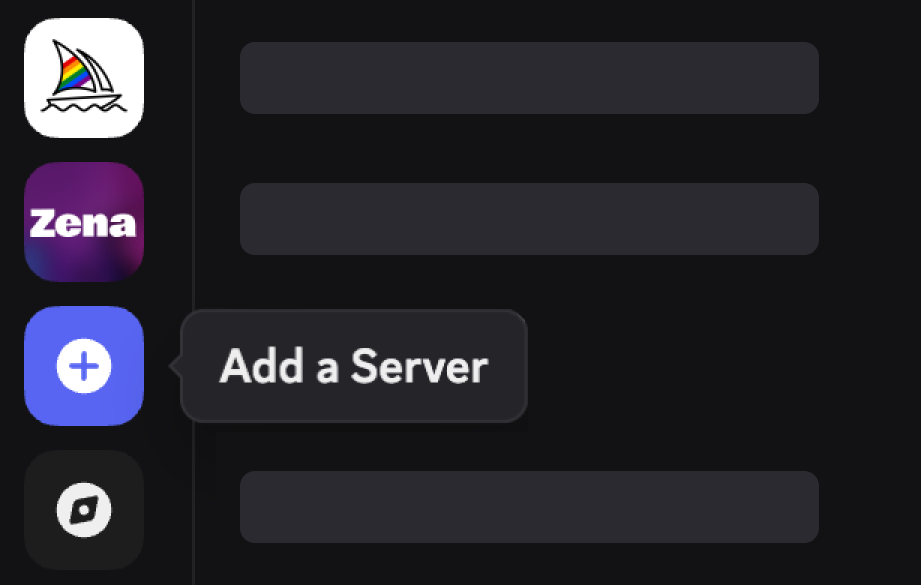
- 2.Create a personal server (recommended):Open Discord, click the + button in your server list, and select Create My Own › For me and my friends.
- 3.Invite Personas:You must connect your Discord account before you are able to start calls with any persona.

Notes
- A persona bot requires certain management permissions to create/remove temporary voice channels in the server.
- You must connect your Discord account before inviting a persona bot to your server.
Need Help?
If you have any questions or need assistance, check our Discord or contact our support team.